FitMe3D / Business solution
AR virtual try-on that shows the product on the shopper
FitMe3D renders your products as 3D models and places them on the shopper in real time, in the browser. They turn their head, rotate a wrist or lift a foot, check the fit, and decide with confidence — which is exactly the confidence that is missing when someone abandons a cart or sends an order back.
Interactive demos
Eyewear
Demo item: ski goggles Eyewear
XView — immersive 3D viewer
Inspect a product from every side, zoom in and out freely, and see the material and finish the way a photo cannot show.
 Eyewear
FitMe3D — live AR try-on
Try eyewear on in real time and see the result before buying. Wearing glasses? Remove your own pair in one tap, and tap “Find my match” for frames matched to your face shape and skin tone.
EyewearFitMe3D + 360° panoramic try-on
Generate a 360° scene by voice and try frames on inside it — an immersive way to judge how a pair suits the setting.
Face shape
Measures face length, cheekbone and jaw width from 3D face points to classify round, square, oval, heart or oblong.
Skin tone
Reads skin colour on the forehead and cheeks — depth plus warm or cool undertone — and suggests gold or silver frames.
AI picks
Ranks your frames by face shape and skin tone and shows the best few; one tap swaps them on, no page reload.
Remove my glasses
Detects when the shopper is wearing glasses and erases the frame and temples in one tap, so the new pair is not fighting the old one.
Jewellery
Earrings · necklaces · rings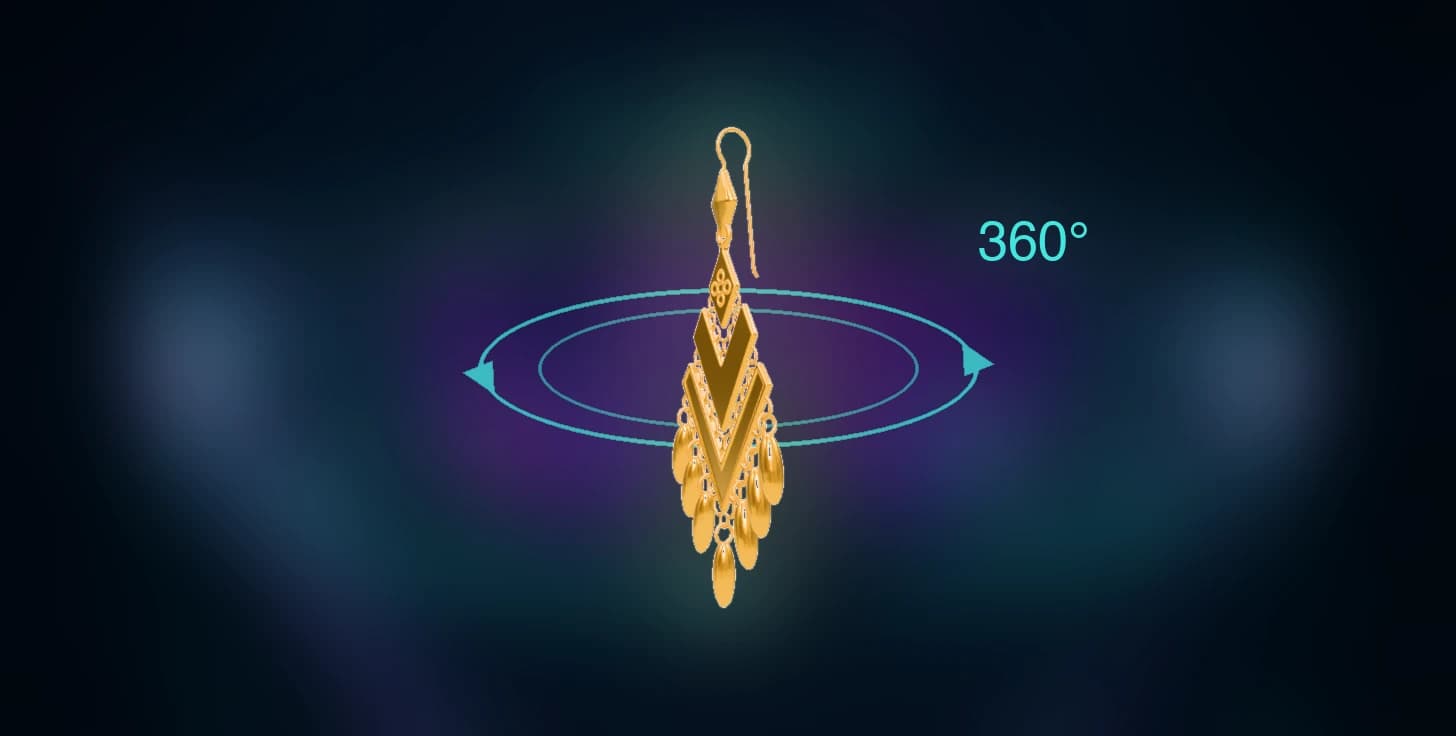 Earrings
XView — immersive 3D viewer
Inspect the earring from every side, and grab the drop to watch it swing with real physics — the movement a still photo cannot convey.
 Earrings
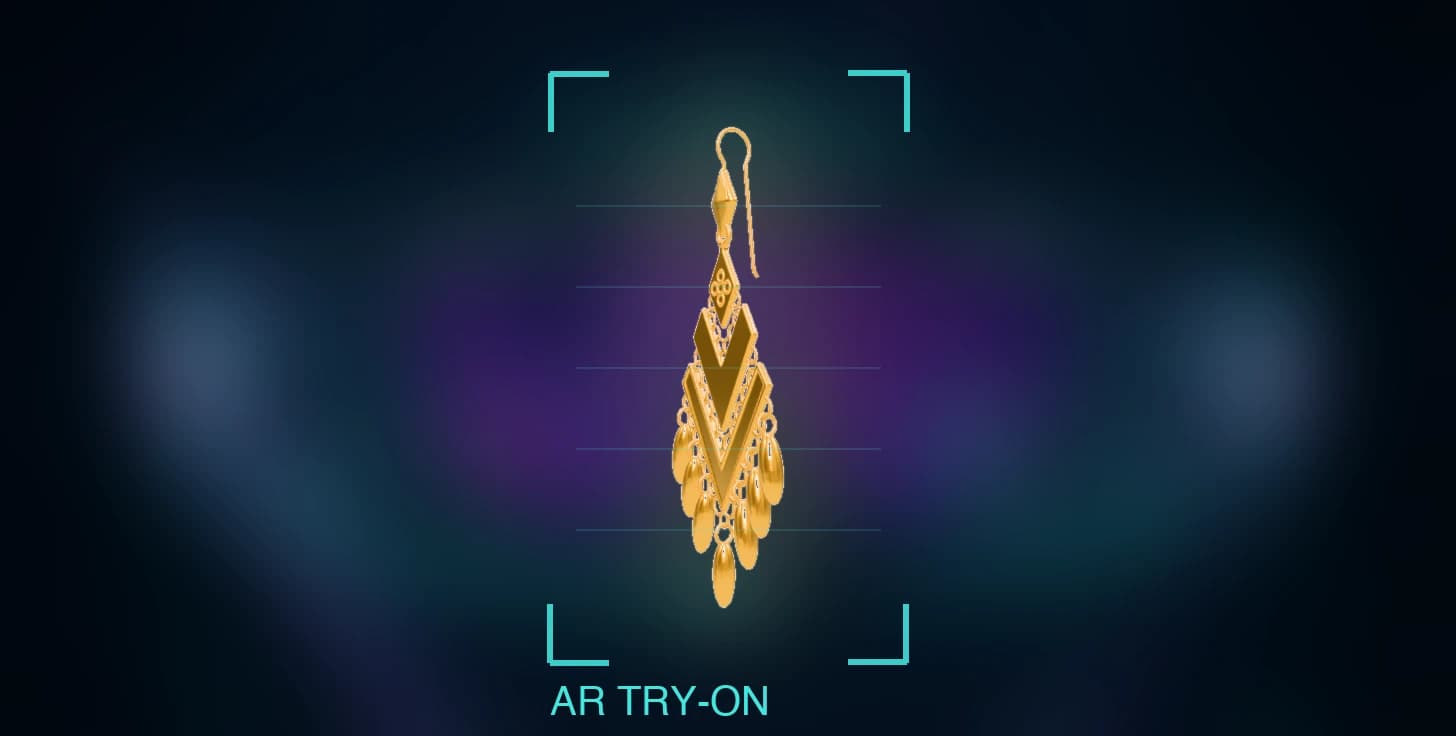
FitMe3D — live AR try-on
Anchors to each wearer’s own earlobe; the drop swings naturally as the head turns. Uses your camera.
Watches
Demo item: mechanical watch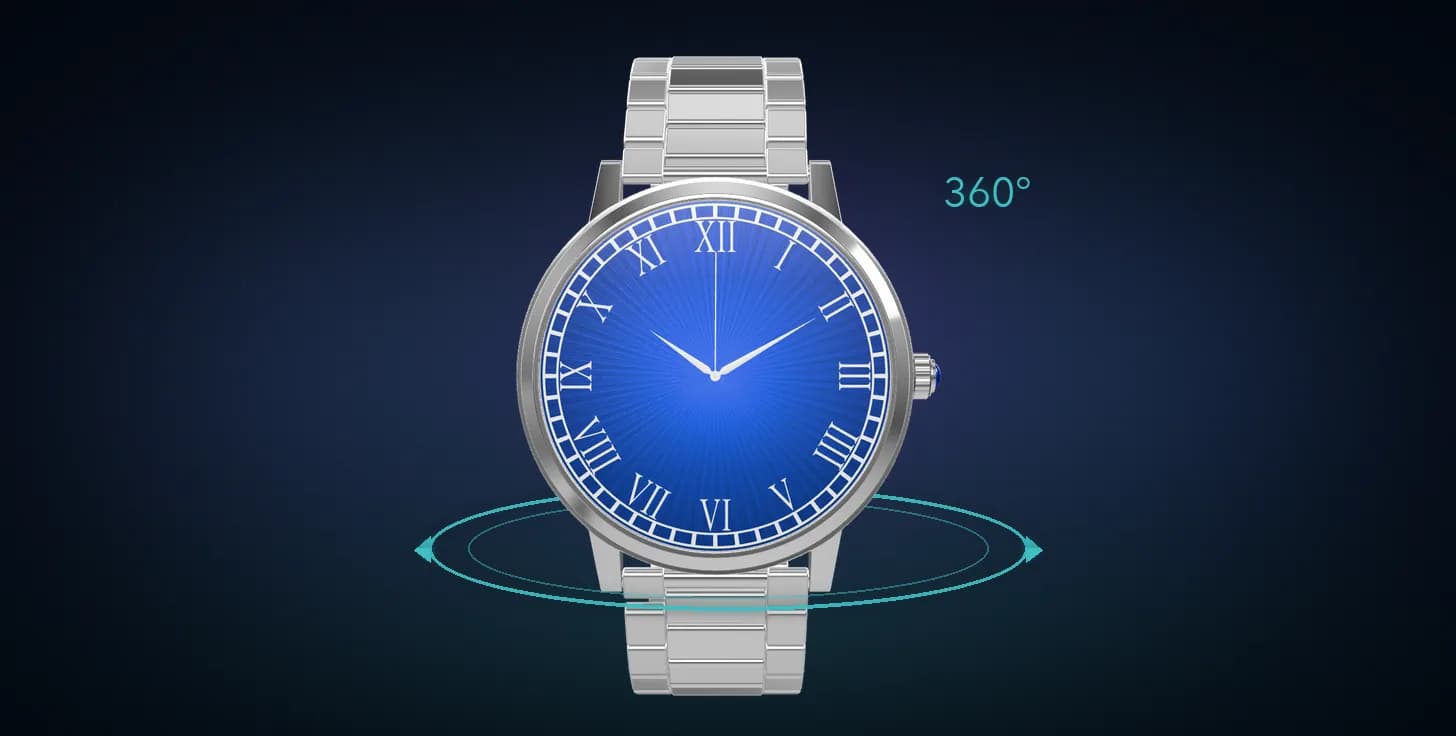 Watches
XView — immersive 3D viewer
Inspect the case, dial and strap from every side and zoom in on the finishing details.
 Watches
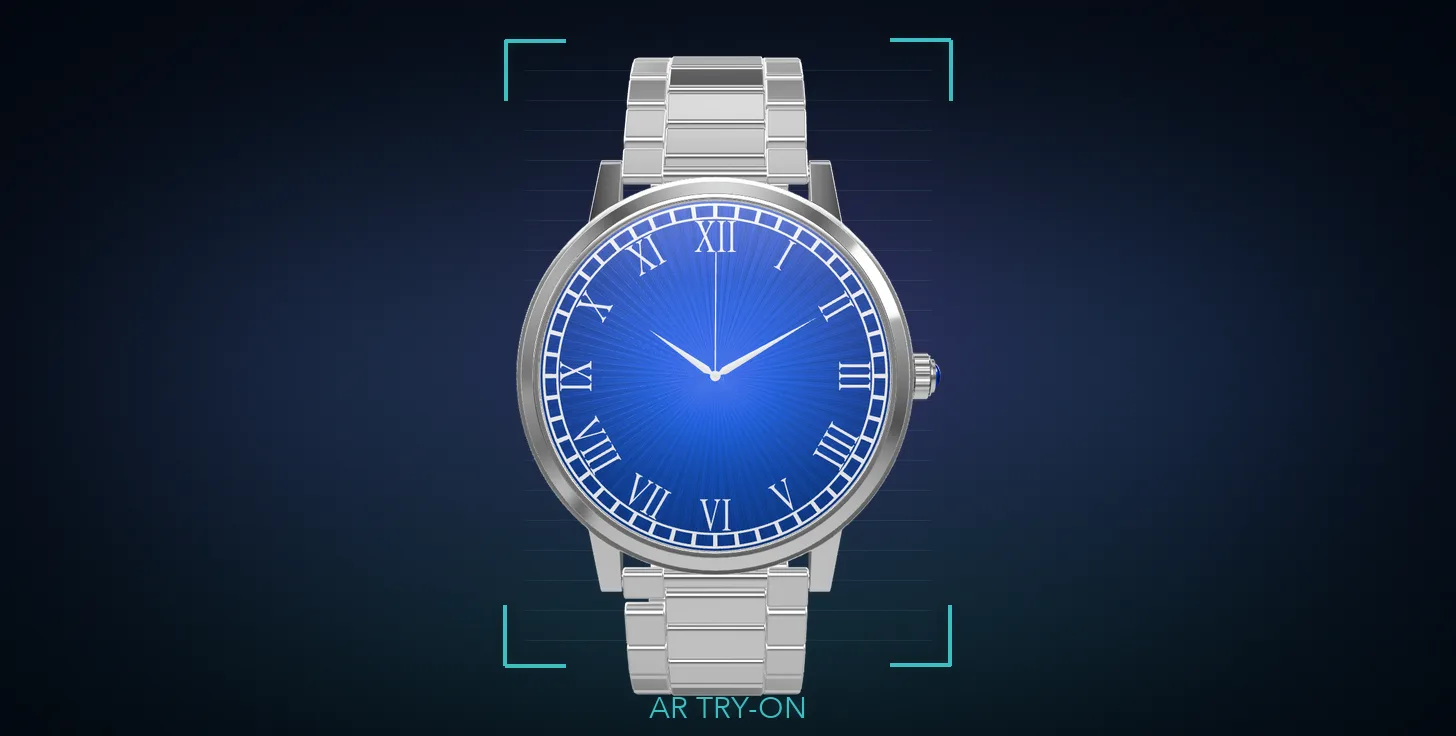
FitMe3D — live AR try-on
Point your phone’s rear camera at your wrist: it measures the wrist and fits the strap, and the dial turns as you rotate your wrist.
Shoes
Demo item: running shoe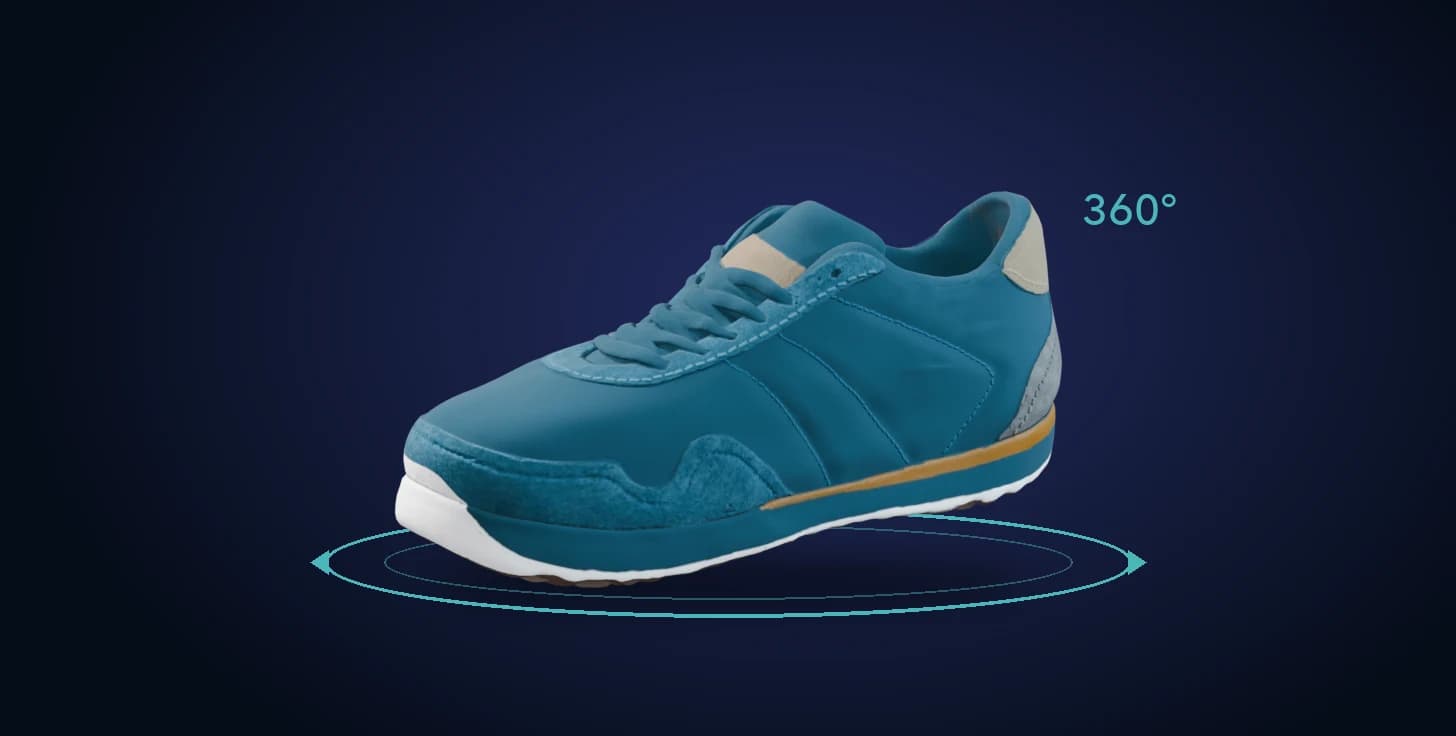 Shoes
XView — immersive 3D viewer
Inspect the upper, sole and stitching from every side and zoom in on the details.
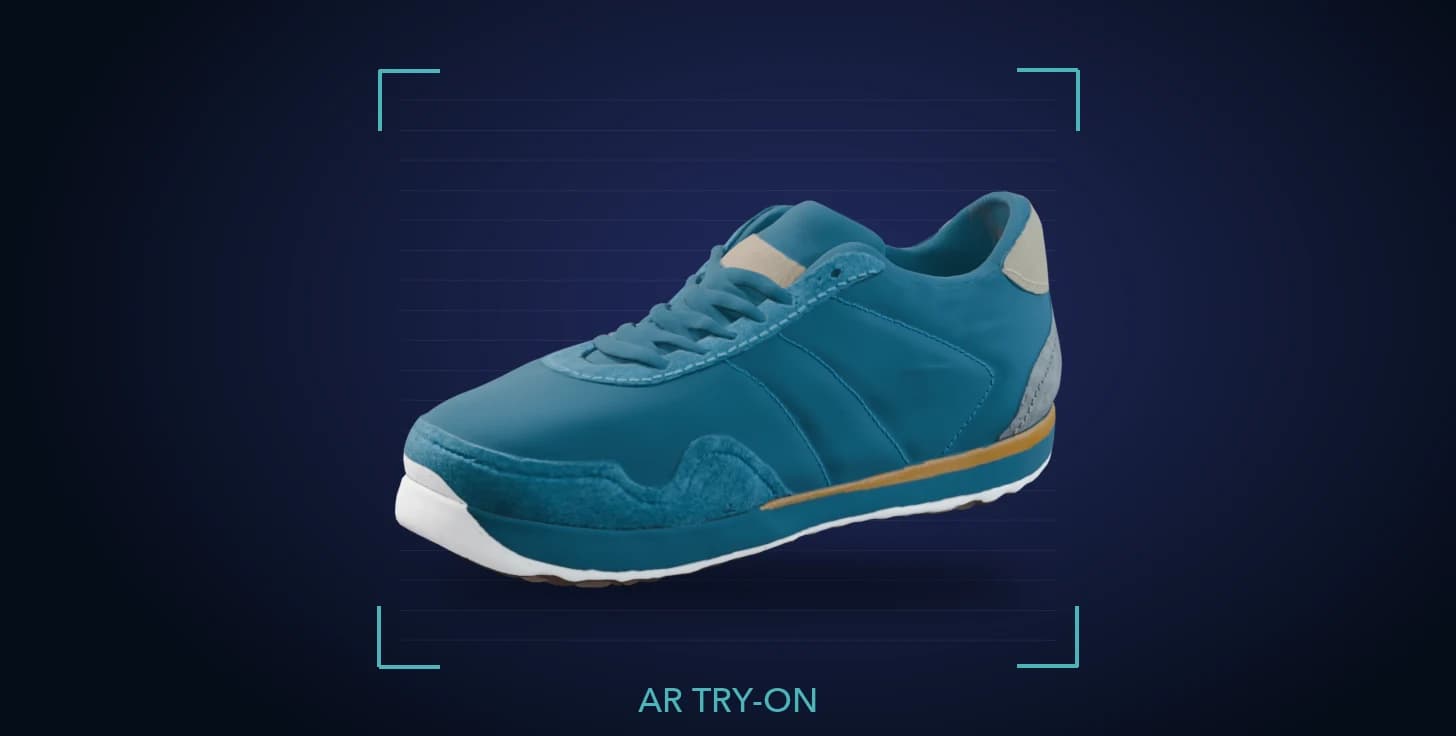 Shoes
FitMe3D — live AR try-on
Point your phone’s rear camera down at your feet: both feet get the shoes, they follow as you lift and turn your foot, and your trouser hems fall naturally over the collar.
The AR try-on demo asks for camera access in your browser. The demo interface is a test build and may appear in Traditional Chinese.
What FitMe3D does
Real-time 3D rendering
Models are rendered live, so reflections, material and finish read the way they do in the hand — critical for high-ticket items where flat photography undersells the product.
Face and body tracking
Continuous tracking keeps the product aligned as the shopper turns or moves, so they can check the fit from the angles that actually matter to them.
Runs in the browser
Delivered as a web experience: shoppers never download an app. Embed it in a product page, or open it from a link or button.
Photo-to-3D pipeline for eyewear
We already run a mature pipeline that turns existing frame photography into try-on-ready 3D models, so an eyewear catalogue can be brought online without a new photoshoot.
Bring your catalogue into 3D
Send us your product category and SKU count and we will come back with a scoped estimate, including what it takes to turn your existing product photography into try-on models.
Talk to usSelling apparel with a large catalogue? Photo-based FitMe2D is usually the faster route.